
LittleGenius Documentation
A comprehensive guide for developers working on the LittleGenius educational application.
This project is a high-quality educational game suite built with Flutter, designed to help children learn through interactive play. It features a collection of 7 mini-games ranging from alphabet learning to puzzle solving, all wrapped in a vibrant, kid-friendly interface.
Flutter Full Installation
Before proceeding with the project setup, you must have the Flutter SDK installed and configured on your machine. Follow the detailed steps below for your operating system.
1. System Requirements
Ensure your computer meets the minimum requirements. Check official docs for: Windows, macOS, Linux.
- OS: Windows 10/11, macOS, or Linux (64-bit)
- Disk Space: 2.8 GB (does not include space for IDE/tools)
- Tools: Git for Windows (if using Windows)
2. Download Flutter SDK
Go to the Official Flutter Download Page.
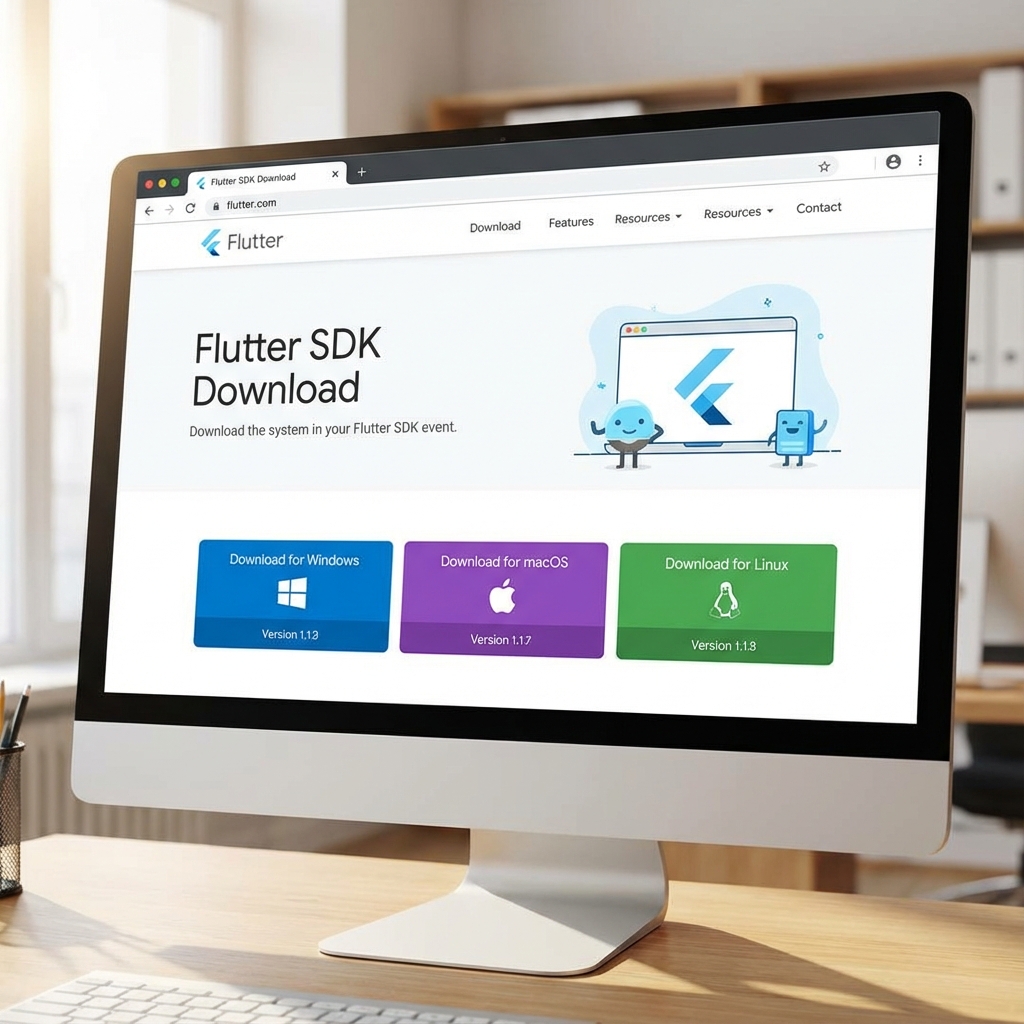
- Download the stable zip file for your OS.
- Extract the zip file to a desired location (e.g.,
C:\src\flutteron Windows or~/development/flutteron macOS). - Warning: Do not install Flutter in a directory like
C:\Program Files\requiring elevated privileges.
3. Update Path Variable
Add the flutter/bin directory to your system PATH variable so you can run
flutter commands from any terminal.
(Windows
Guide |
macOS
Guide)
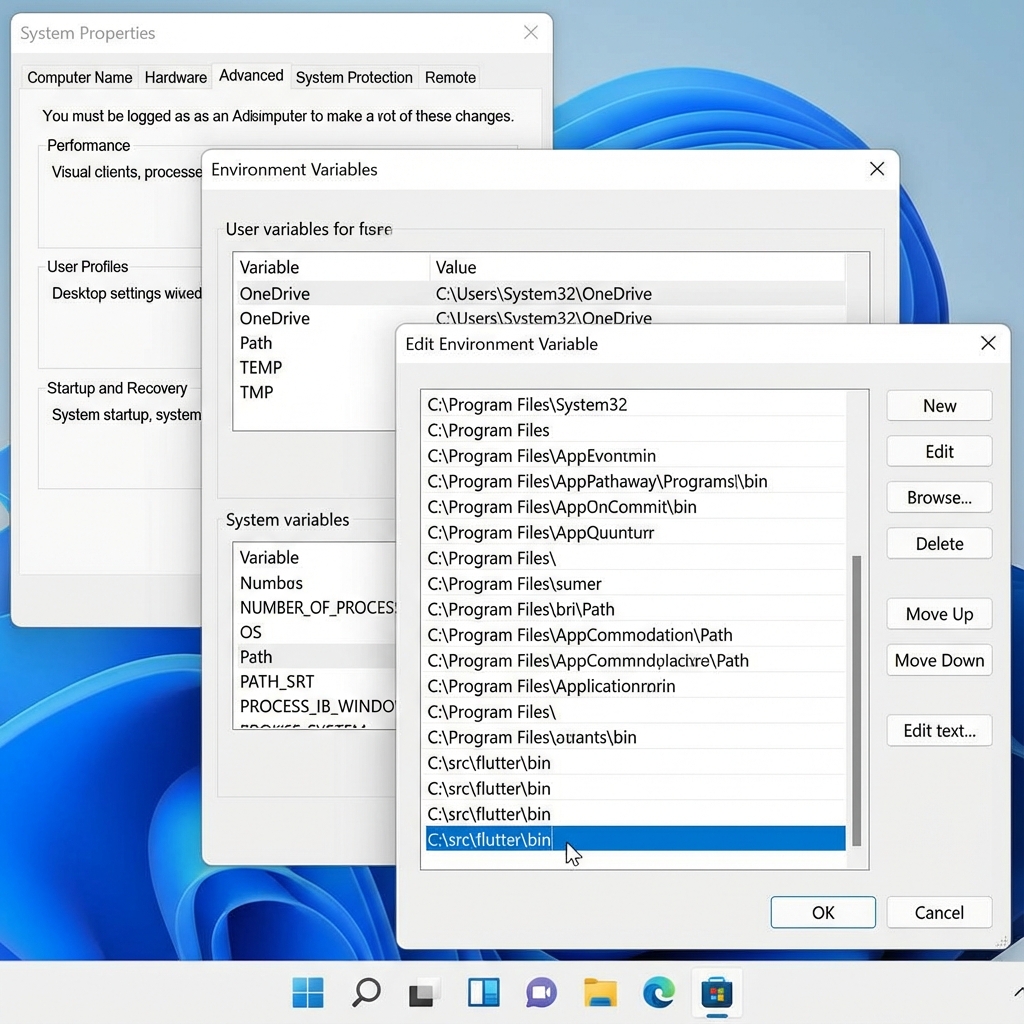
- Windows: Edit Environment Variables -> Edit Path -> Add new entry with path to
flutter\bin. - macOS/Linux: Add
export PATH="$PATH:[PATH_TO_FLUTTER_GIT_DIRECTORY]/flutter/bin"to your.rcfile (e.g.,.zshrcor.bashrc).
4. Run Flutter Doctor
Open a new terminal window and run the following command to check for any missing dependencies. (Official Docs)
flutter doctor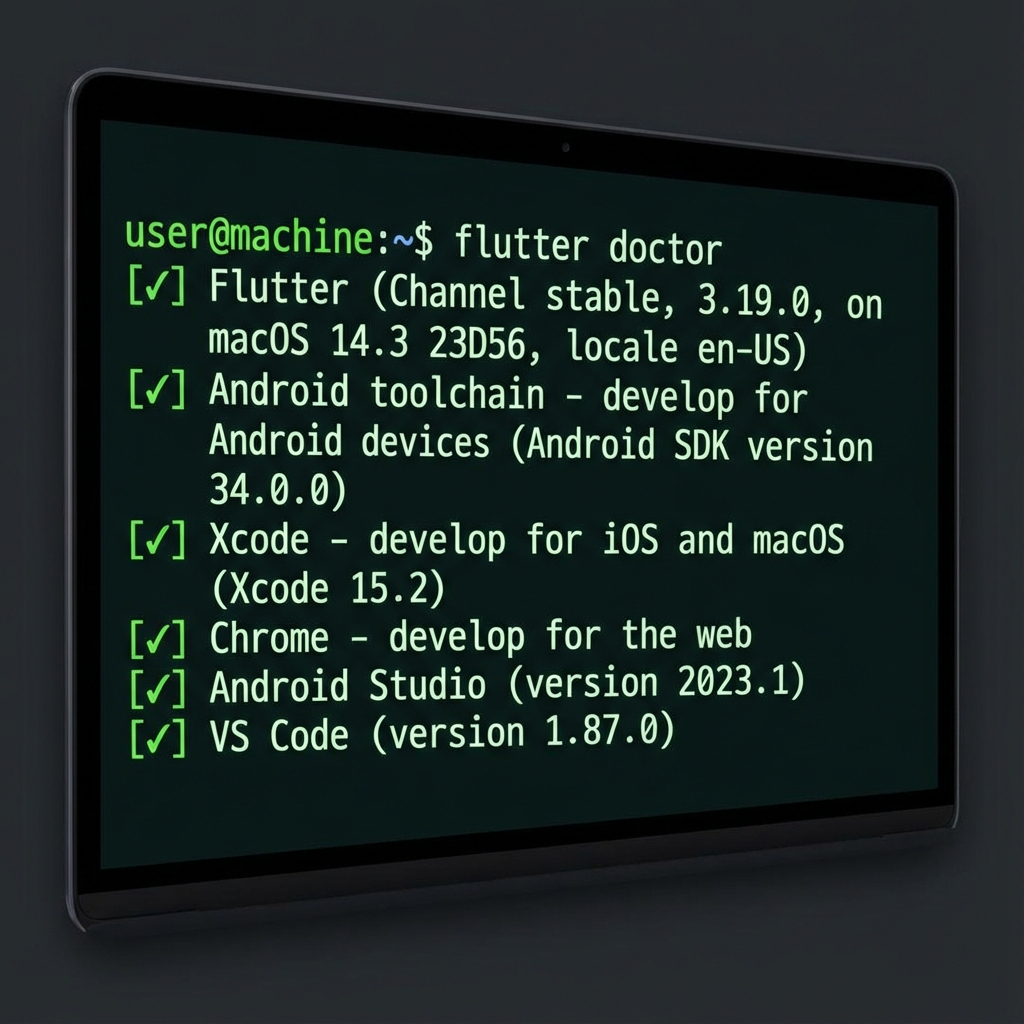
Review the output. If there are checkmarks next to each item, you are ready to go! If there are errors (X), follow the instructions provided to resolve them (e.g., installing Android Studio or Xcode).
Game Features
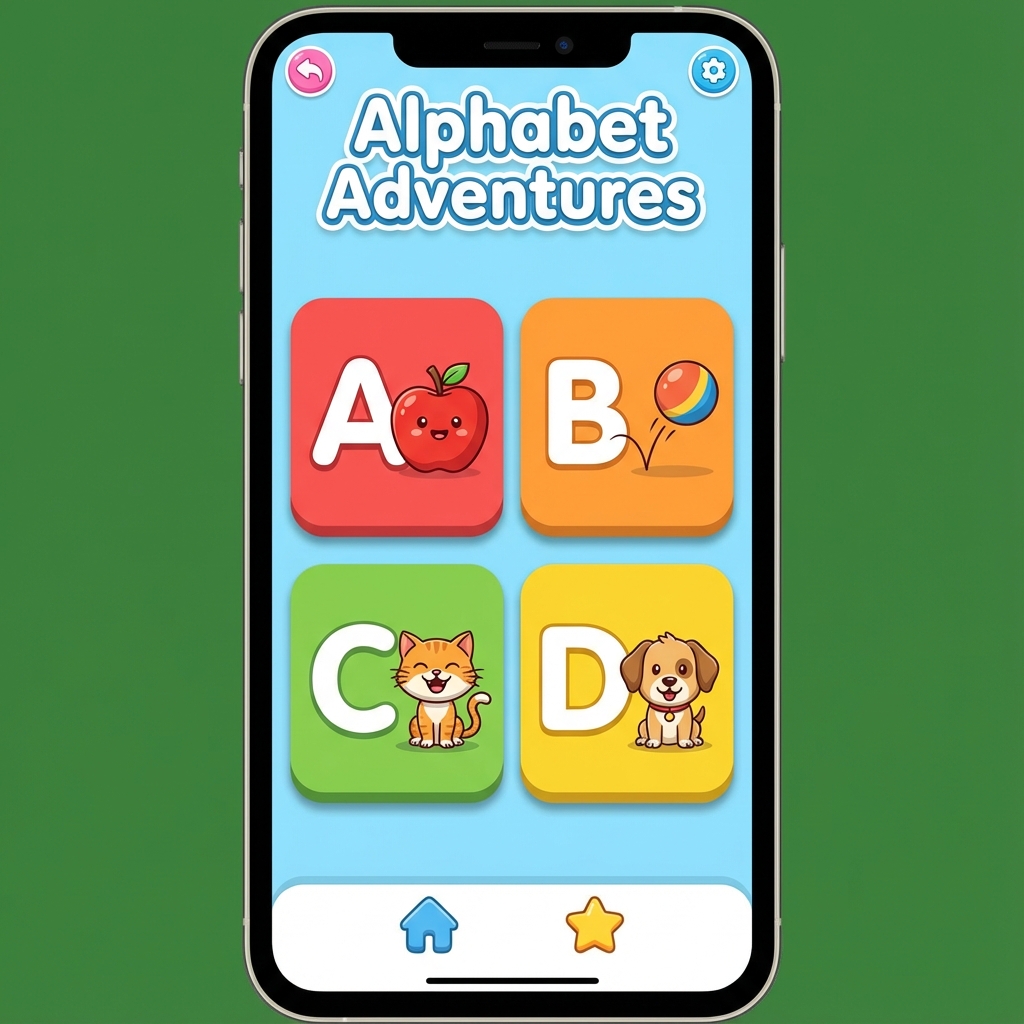
Alphabet Learning
Interactive A-Z grid. Tapping letters triggers TTS pronunciation and confetti rewards.
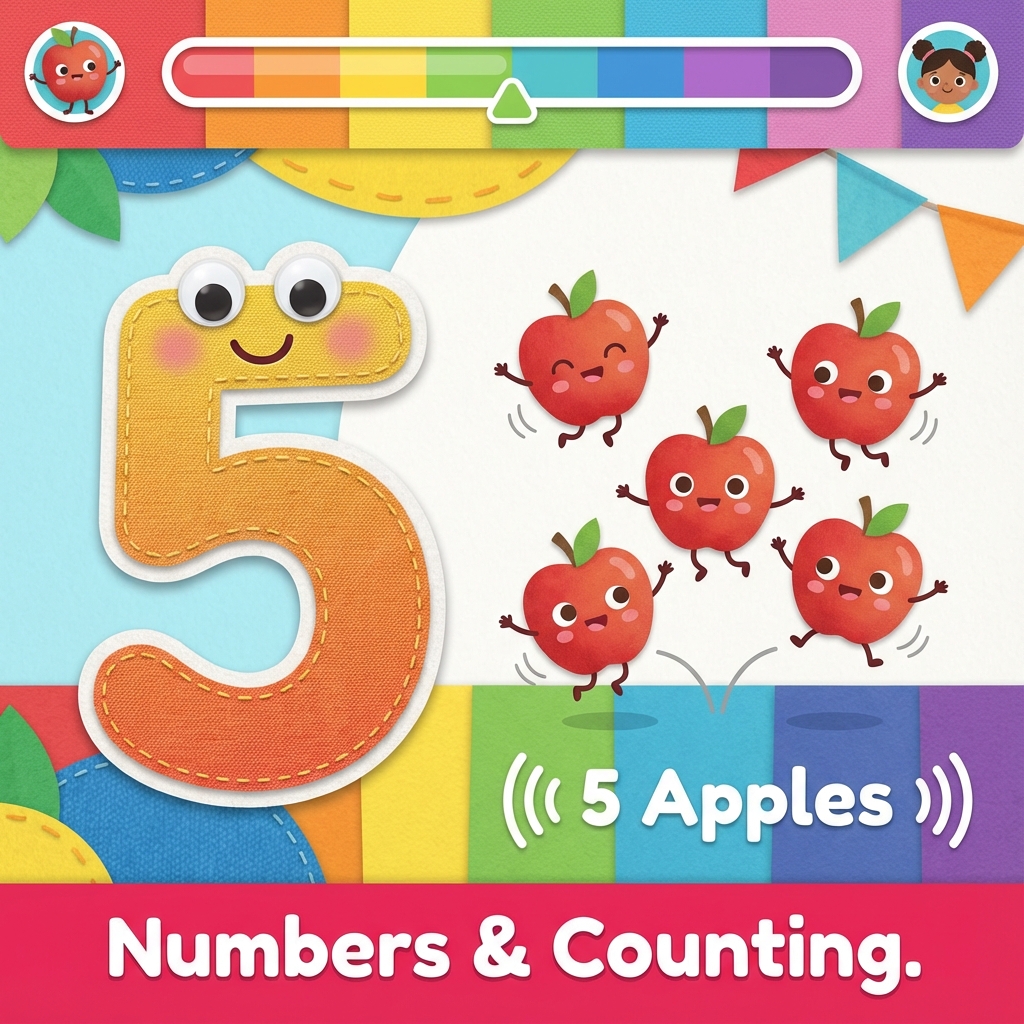
Numbers & Counting
Visual counting numbers 1-20. Objects appear to visualize quantities for better learning.
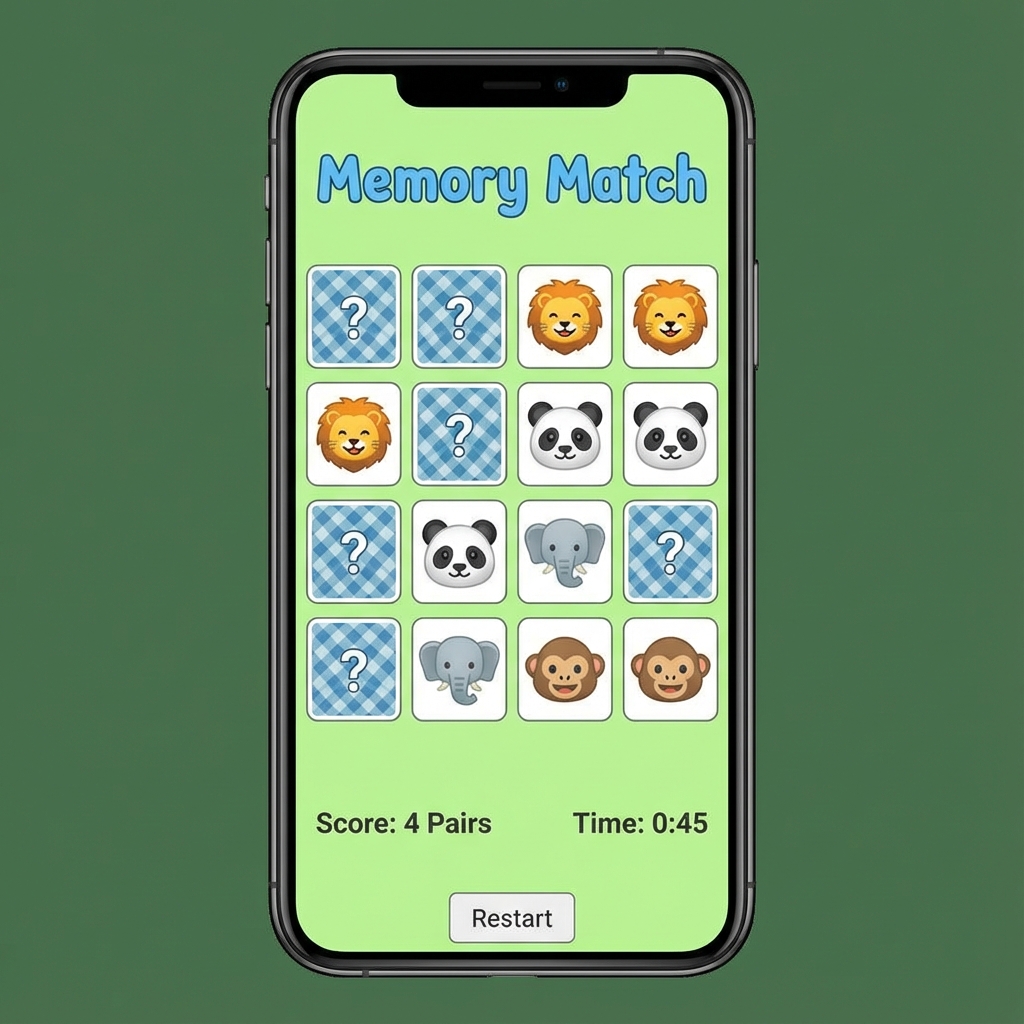
Memory Match
Classic card flipping game using emojis. Tracks matches and awards stars for completion.
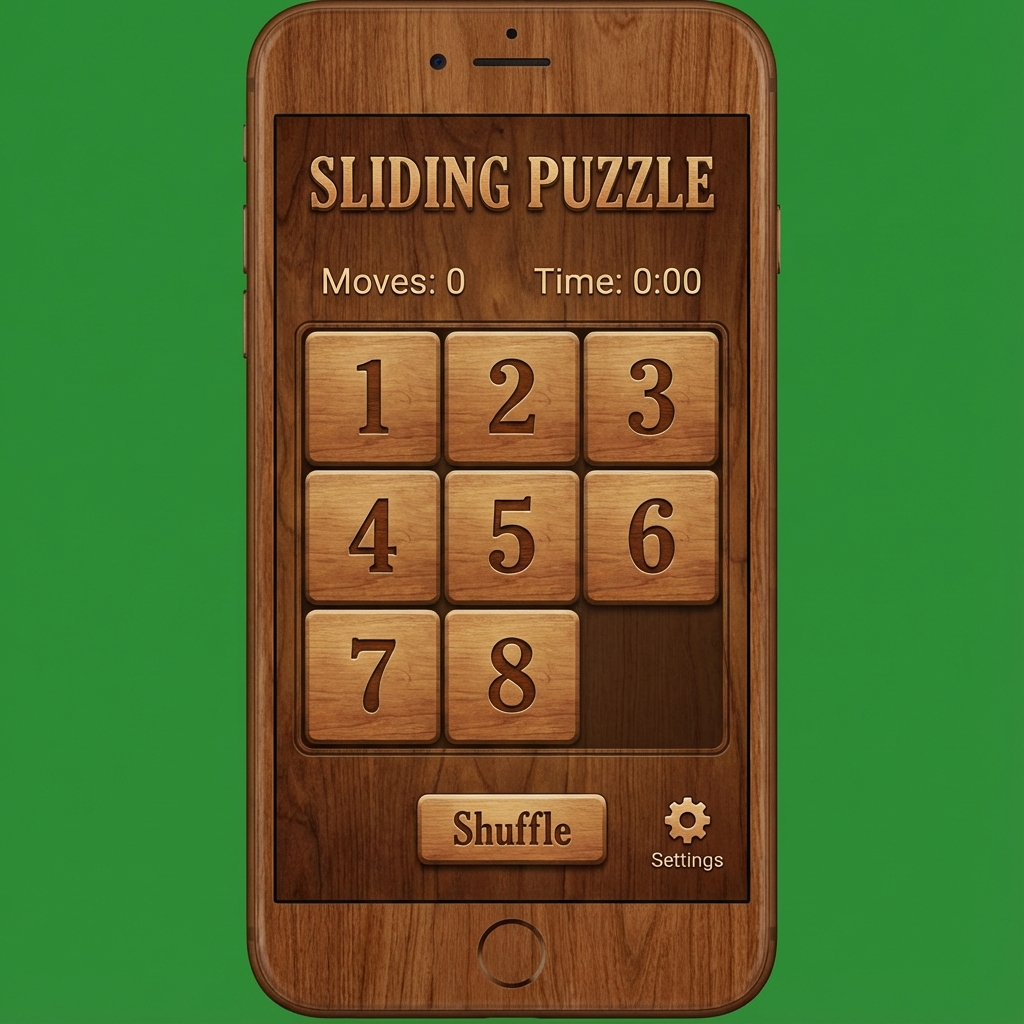
Puzzle Game
3x3 Sliding Tile functionality. Randomized numbers that need to be ordered.
Coloring Fun
Full canvas using scribble. Features variable stroke widths and a color palette.
Sound Guess
Audio-based quiz. The app plays a sound, and the child picks the matching image.
Daily Challenges
Daily rotating missions. Encourages variety in play and rewards consistency with bonus stars.
Technology Stack
The application leverages the Flutter ecosystem to provide a performant cross-platform experience.
- Flutter & Dart: Core framework.
- Provider: For global state management (Score/Stars).
- GoRouter: For declarative routing handling.
- flutter_animate: To add delight with fluid animations.
- flutter_tts: Text-to-Speech for accessibility and learning feedback.
- confetti: Particle system for rewarding achievements.
Project Architecture
The codebase follows a scalable feature-first folder structure.
lib/
├── core/              # Global constants and theme
├── features/          # Feature modules
│   ├── games/         # Specific game implementations
│   └── home/          # Dashboard implementation
├── shared/            # Shared widgets and providers
└── main.dart          # Entry point and routing
State Management
We use Provider for dependency injection and state management.
GameScoreProvider: A globalChangeNotifieravailable throughout the widget tree. It persists the current session's star count.- Feature-specific state: Individual games (like Memory or Coloring) use
StatefulWidgetfor ephemeral state that doesn't need to be shared globally.
Setup & Installation
Get the project running on your local machine in minutes.
-
Clone the repository
Download the source code to your local machine.
-
Install Dependencies
flutter pub get -
Run the App
Ensure an emulator or device is connected.
flutter run
Create Project
If you want to start a completely new Flutter project from scratch, use the following command:
flutter create my_awesome_appThis creates a clear "Hello World" Flutter app. To rename an existing project or this project, see the next section.
App Customization
Change Project Name
To change the app name (package name) properly, we recommend using the change_app_package_name package.
- Add the dependency to `dev_dependencies` in
pubspec.yaml. - Run the command:
flutter pub run change_app_package_name:main com.new.package.name
This command updates AndroidManifest.xml, build.gradle, MainActivity files, and iOS project settings automatically.
Change App Color
The app's color scheme is defined globally to ensure consistency.
- Open
lib/core/constants/app_colors.dartortheme.dart. - Locate the
primaryColororColorSchemedefinition. - Update the hex codes to your brand colors.
static const Color primaryColor = Color(0xFF6200EA); // Replace with your colorChange App Icon
We use flutter_launcher_icons to generate pixel-perfect native icons for both Android and iOS.
- Design your icon (1024x1024px recommend). Safe it as
assets/images/icon.png. - Update
pubspec.yamlorflutter_launcher_icons.yamlconfiguration:
dev_dependencies:
  flutter_launcher_icons: "^0.13.1"

flutter_icons:
  android: true
  ios: true
  image_path: "assets/images/icon.png"
Then generate the icons by running:
flutter pub run flutter_launcher_iconsFuture Release Update
To keep your project up-to-date with the latest features and bug fixes from the main repository:
- Pull Changes: Run
git pull origin mainto fetch the latest code. - Update Dependencies: Run
flutter pub getto install new packages. - Check Migration: Occasionally, major updates may require migration. Run
dart migrateif prompted by the release notes.
Generate Build APK / AAB
Ready to distribute your app? Follow these steps to generate release builds.
Generate APK (Universal)
Best for direct installation on devices or internal testing.
flutter build apk --releaseOutput location: build/app/outputs/flutter-apk/app-release.apk
Generate App Bundle (AAB)
Required for publishing to the Google Play Store.
flutter build appbundle --releaseOutput location: build/app/outputs/bundle/release/app-release.aab
iOS Setup
Developing for iOS requires a macOS machine with Xcode installed.
Prerequisites
- macOS with the latest Xcode installed.
- CocoaPods installed (
sudo gem install cocoapods).
- Navigate to the iOS folder:
cd ios - Install dependencies:
pod install - Open the workspace:
open Runner.xcworkspace - In Xcode, configure your **Signing & Capabilities** with your Apple Developer Account.
- Run on Simulator/Device:
flutter run -d iPhone
Common Errors
CocoaPods not installed
Error: "Warning: CocoaPods not installed. Skipping pod install."
Fix: Run sudo gem install cocoapods terminal, then
pod setup.
Gradle Build failed
Error: Often related to Java version mismatch (e.g., using Java 8 instead of 17).
Fix: Ensure your JAVA_HOME environment variable points to a compatible
JDK (JDK 17 is standard for newer Flutter versions).
Waiting for another flutter command...
Error: The build process is stuck.
Fix: Delete the lock file: rm bin/cache/lockfile in your Flutter SDK
directory.
Change Log
Track the latest updates and improvements to the LittleGenius app.
v1.1.0 (Current)
- Added detailed documentation for the Daily Challenges (Daily Surprise) feature.
- Updated feature grid with gift icon for easy identification of daily rewards.
v1.0.0 (Initial Release)
- Integrated 7 Mini-Games: Alphabet, Numbers, Memory, Puzzle, Coloring, Sounds, Daily Challenge.
- Implemented Global Game Score System using Provider.
- Added Text-to-Speech (TTS) and Confetti effects.
- Created Responsive Documentation Website.
Support
Need help or found a bug? We are here to assist you.
Contact Us
For technical support or feature requests, please check our repository issues page or contact the development team.
📧 Email: cloudloopinfotech@gmail.com